How to turn a video into a WhatsApp sticker
Any clip on your phone, from a funny moment with friends to a pet doing something silly, can become a sticker you send again and again.
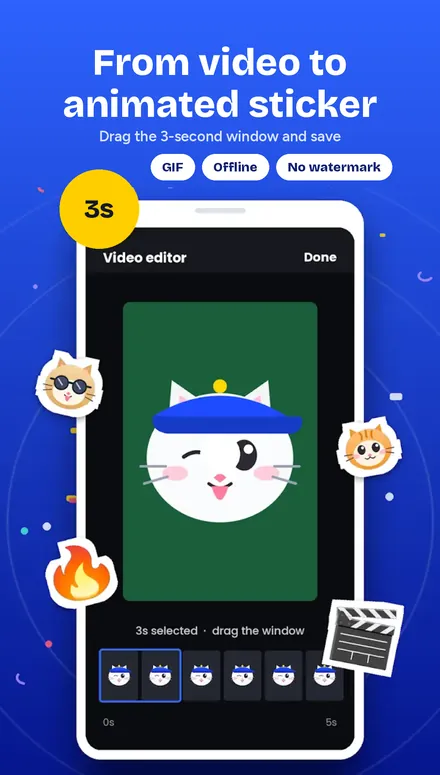
Tap + and choose Animated
Start a new animated pack.
Pick the video
Choose any clip from your gallery.
Trim it
Select up to 8 seconds; the moment you pick loops in the chat.
Crop and speed
Frame the action and set the speed from 0.5x to 2x.
Add to WhatsApp
Tap Add to send the pack to WhatsApp.
Which videos work best?
Clips with one clear subject and a strong reaction work best. Busy backgrounds are easy to fix with AI background removal.
Make your first sticker now