AI background removal for stickers
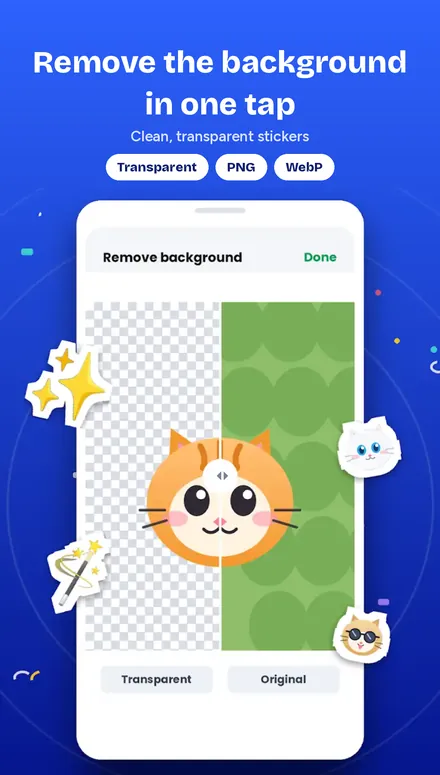
A sticker looks professional when only the subject is left. GIF Sticker Maker removes the background automatically with AI, for photos and for video frame by frame.
Choose a photo or video
Open it in the editor.
Tap background removal
The AI finds the person or object and cuts it out.
Check the edges
Use the eraser to clean up any small spots.
Add text or emoji
Decorate the cut-out sticker.
Add to WhatsApp
Save the pack to WhatsApp.
Works on video too
For animated stickers, the background is removed on each frame, so the subject stays clean while it moves.
Make your first sticker now