 GIF Sticker Maker & GIF Editor
 & AI sticker maker.
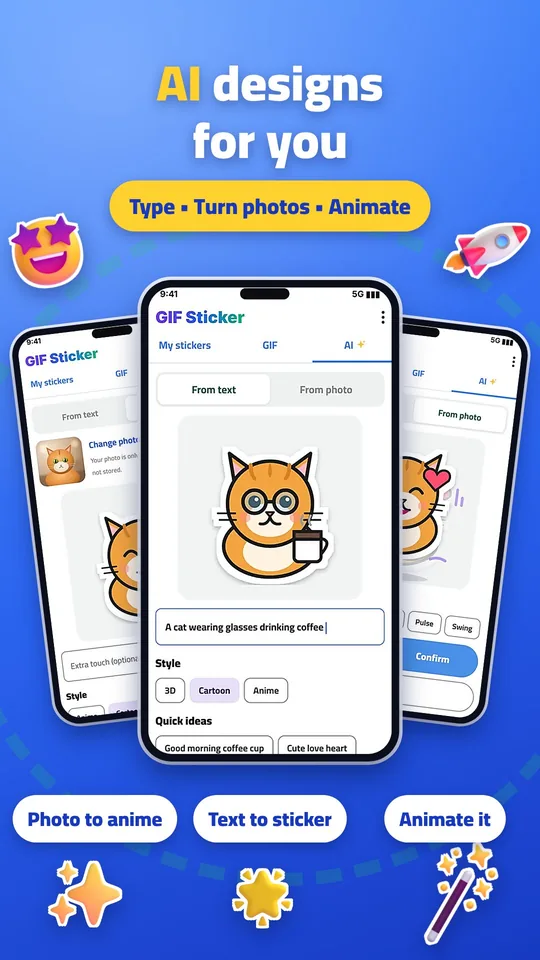
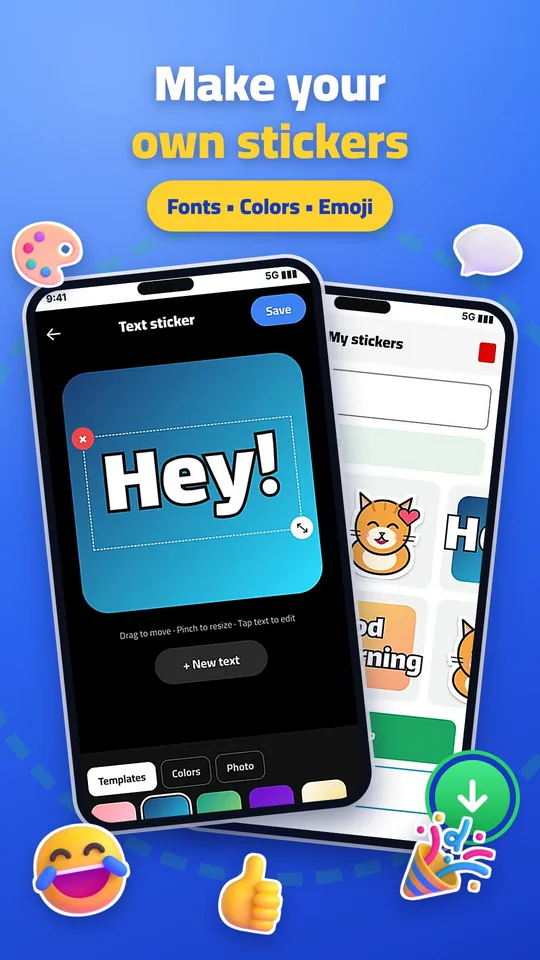
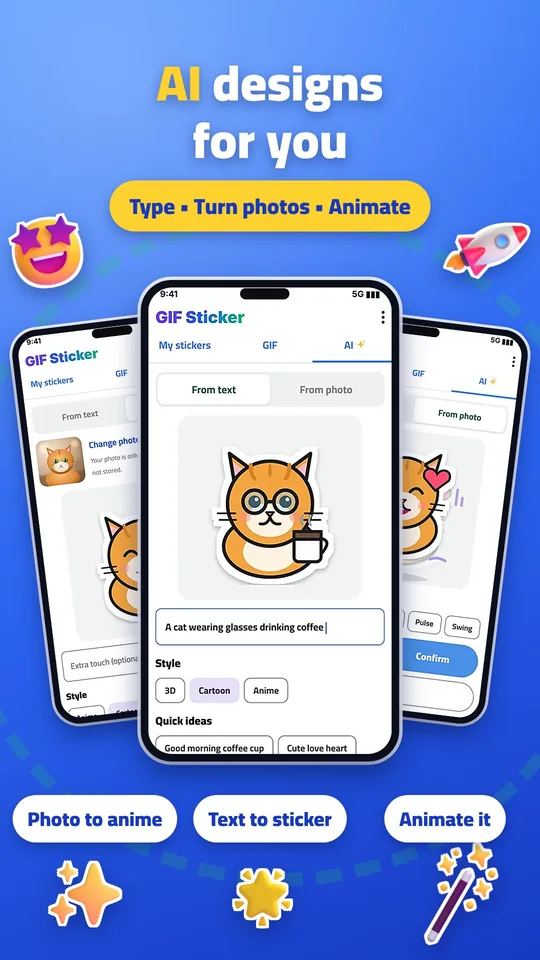
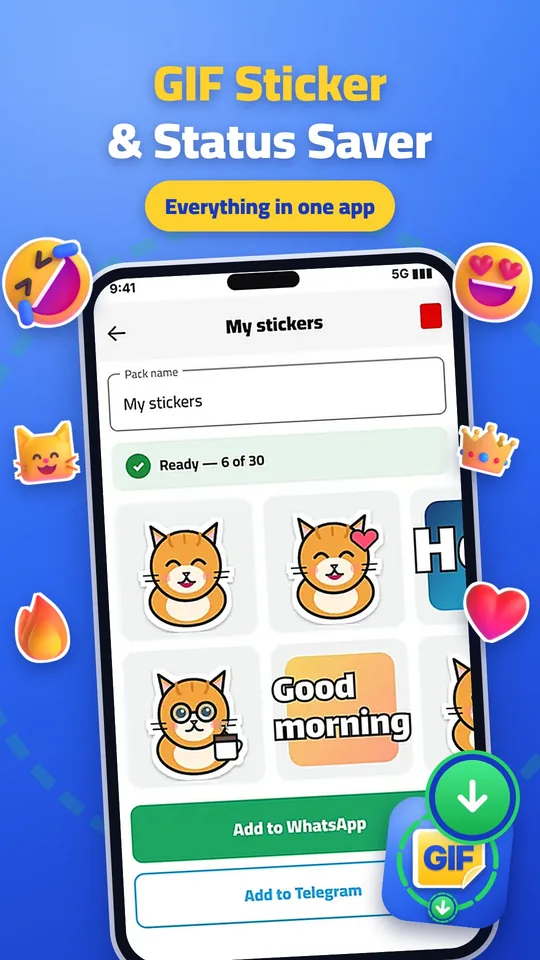
GIF Sticker Maker & GIF Editor is a free sticker maker app that turns videos, GIFs and photos into animated or static stickers for WhatsApp. Remove backgrounds with AI, add text in any language, and send.

See it in action
Swipe →
Sticker ideas you can make
Funny stickers
Turn a reaction clip or a meme GIF into a funny WhatsApp sticker. Short loops of two or three seconds work best for wasticker funny packs your friends will reuse.
Love & romantic stickers
Make romantic GIF stickers for WhatsApp from your own couple videos and photos. Add a short line like "Miss you" and a heart emoji to create a personal love sticker pack.
Islamic stickers
Create Islamic stickers for Eid, Ramadan and Jumma greetings. Add Arabic text with the built-in Arabic fonts and share your wasticker Islamic pack with family.
Good morning & greetings
Build a pack of greeting stickers for text messages: good morning, thank you, congratulations and happy birthday, all made from your own photos.
A stickers app made for WhatsApp
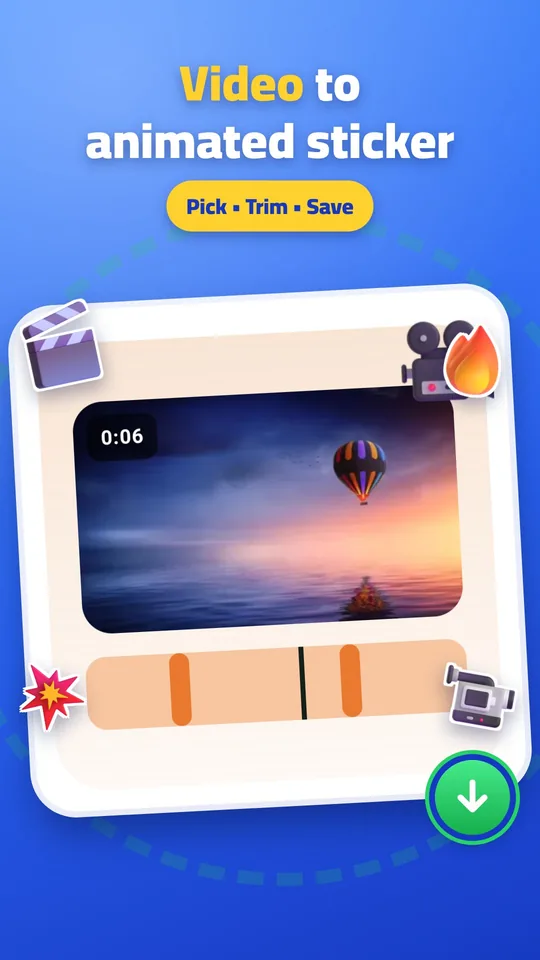
Most sticker apps give you ready-made packs. GIF Sticker Maker & GIF Editor works the other way: it is a sticker maker and a simple GIF maker in one. Pick any moment from a video, trim it into a short loop, and it becomes an animated sticker you can send in WhatsApp chats, just like stickers for text messages.
Your stickers whatsapp packs are saved on your phone, so you can add, edit or delete them any time. The app also includes a GIF library, so you can turn trending GIFs into GIF stickers without leaving the app.
How to use GIF Sticker Maker & GIF Editor
- STEP 1
Choose your video, GIF or photo
Pick a clip from your phone, search the built-in GIF library, or use a photo.
- STEP 2
Edit to your taste
Trim the moment, remove the background with AI, and add text or emoji.
- STEP 3
Add to WhatsApp
Tap Add and your pack appears in WhatsApp, ready to send.
Questions
Is GIF Sticker Maker & GIF Editor free?
Yes. You can make sticker packs and add them to WhatsApp for free.
How do I turn a GIF into a WhatsApp sticker?
Open the GIF library in the app, pick a GIF, trim it if needed and tap Add to WhatsApp.
How long can an animated sticker be?
Between 0.5 and 8 seconds.
Is GIF Sticker Maker & GIF Editor a GIF keyboard?
No. It is a sticker maker. Instead of searching GIFs in a keyboard, you create your own GIF stickers and add them to WhatsApp, where they appear in your sticker tray.
What are WAStickerApps?
WAStickerApps is the name WhatsApp uses for apps that add sticker packs to WhatsApp. GIF Sticker Maker & GIF Editor is one of them: tap Add to WhatsApp and your pack is installed.
Can I make romantic or Islamic GIF stickers?
Yes. Use your own photos or videos, add text in Arabic or any language, and save them as a love, romantic or Islamic sticker pack.