 GIF Sticker Maker & GIF Editor
How to set live wallpapers and a GIF widget
Want your home screen to move? GIF Sticker Maker & GIF Editor turns any GIF or sticker into a live wallpaper, and adds a GIF widget that plays right on your home screen.
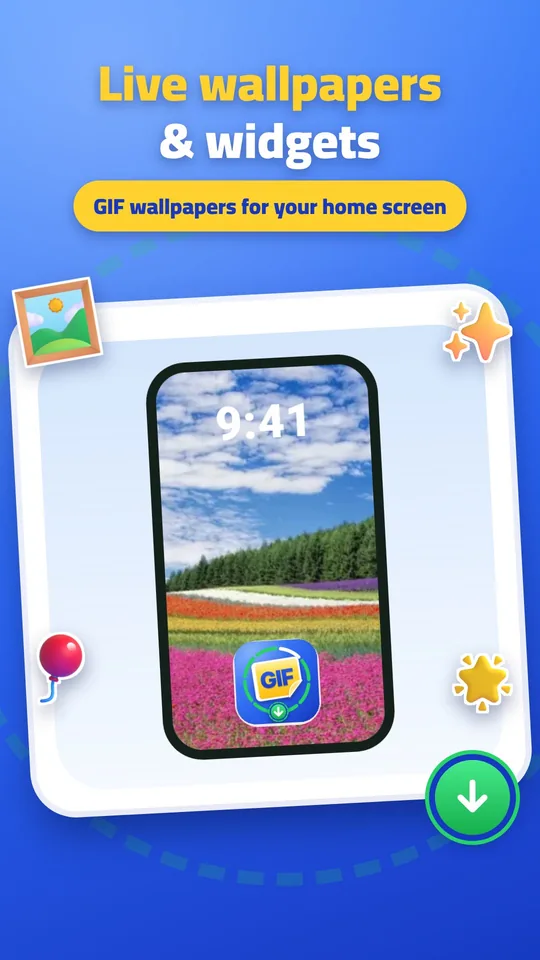
Pick a GIF or sticker
Search the GIF tab or open one of your own stickers.
Open Wallpapers
In the app, open Wallpapers from the + menu, or tap Set as wallpaper on any GIF.
Choose live or still
Pick a moving live wallpaper or a still image for the home screen, lock screen or both.
Add the GIF widget
Long-press your home screen, tap Widgets, find GIF Sticker and drag the widget where you like.
Change it any time
Tap the widget to pick another GIF, or set a new wallpaper whenever you want.
Light on your battery
Live wallpapers only play while the screen is on and pause in the background, so your battery is not drained. Everything stays on your phone.
Make your first sticker now